



















Best Clipping Path Service Company
Best Clipping Path Service Provider in Europe (2025)
Clipping Path Services at Prices You’ll Love.


Service Avenue
Outstanding
Services We Offer
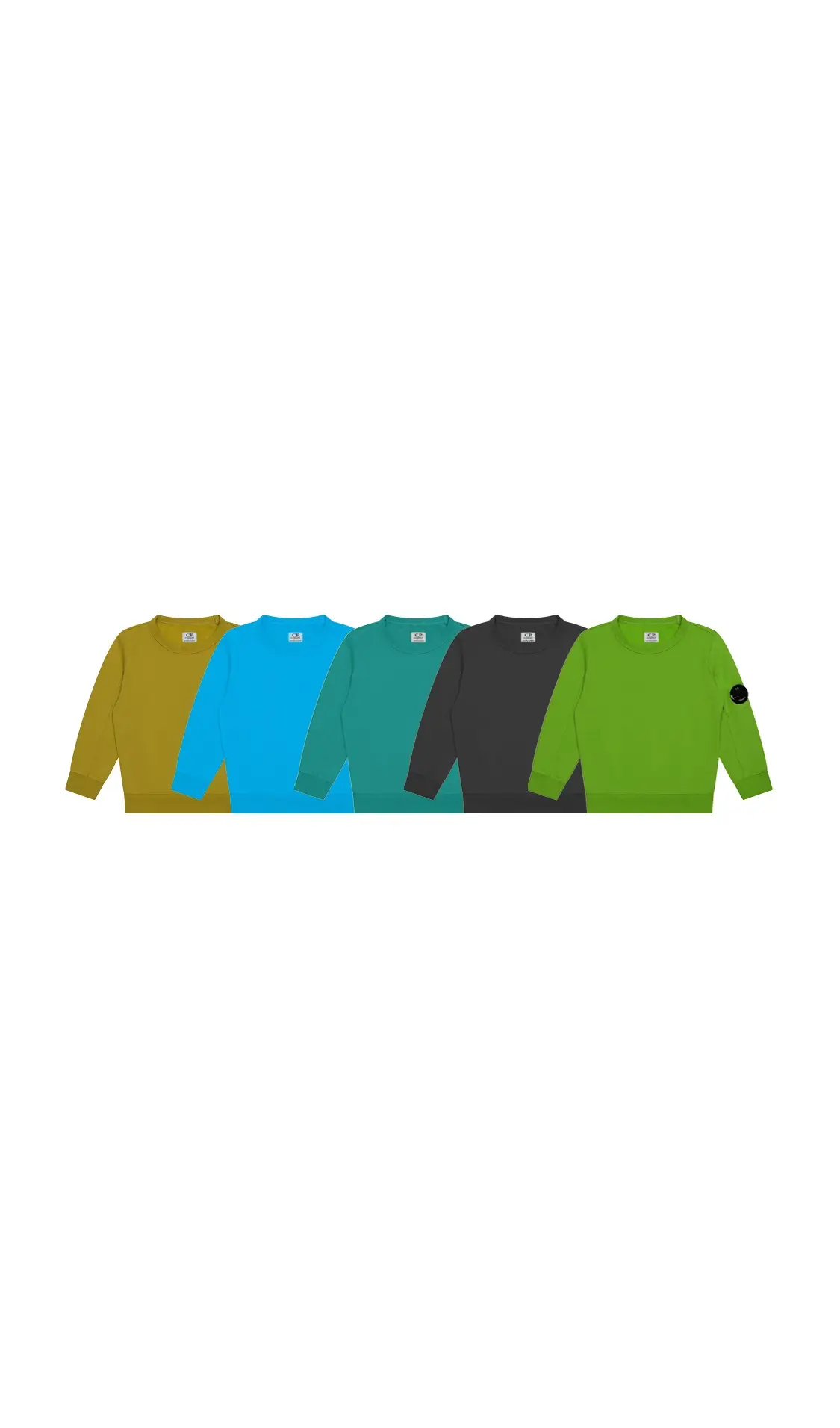
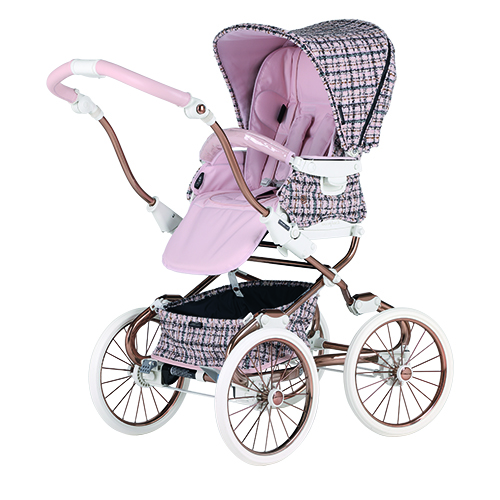
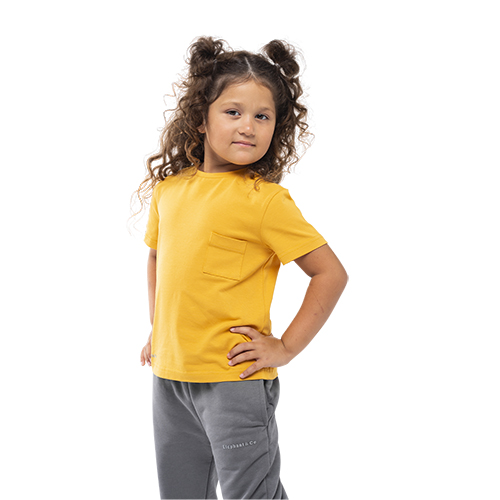
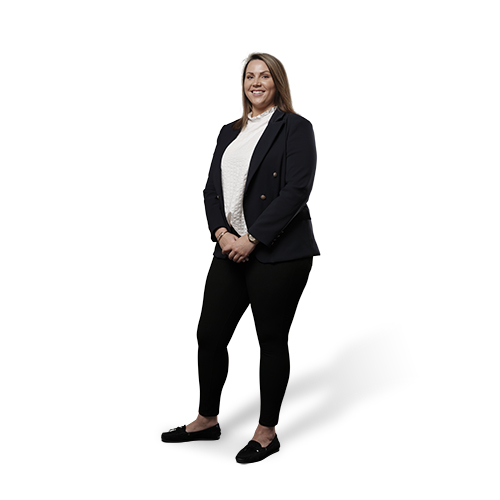
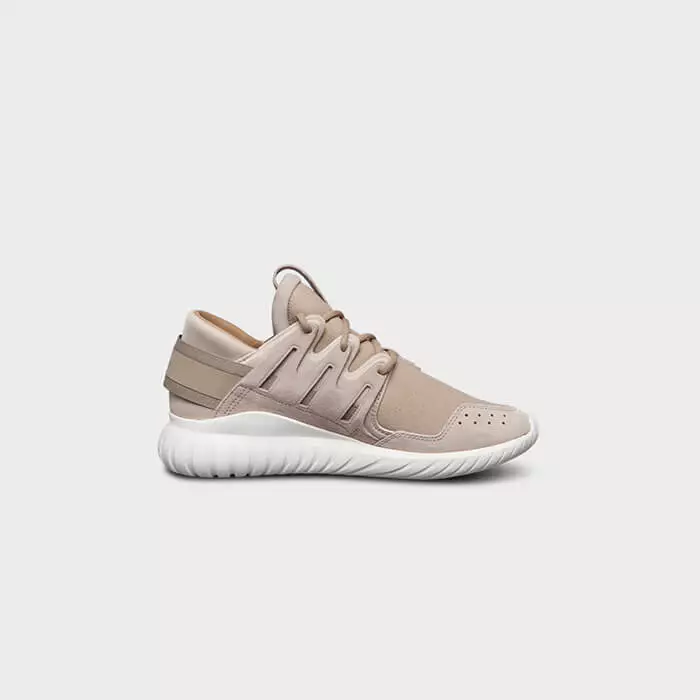
Clipping Path Services
- Deep Etching
- Photoshop Clipping
- Cut-Out Image Online
- Background Removal
Precise cut-outs for flawless product displays
Image Masking Solutions
- Layer Masking
- Transparent Masking
- Alpha Channel Masking
-
Portrait Image Masking
Advanced masking for complex objects
Shadow Adding Services
- Natural Shadow
- Drop Shadow
- Reflection Shadow
- Mirror Shadow
Realistic shadow effects for natural visuals
Color Correction Services
- Color Changing
- Photoshop Recolor
- Color Matching
- Product/Skin Color
Enhance and unify product colors
Photo Retouching
- Touch-Up
- Skin Smoothing
- Product Retouching
- Object Removal
Achieve flawless images with expert retouching
E-commerce Photo Editing
- Packshot Editing
- Resizing and Cropping
- Shadow Adding
- Background Editing
Tailored solutions for online stores
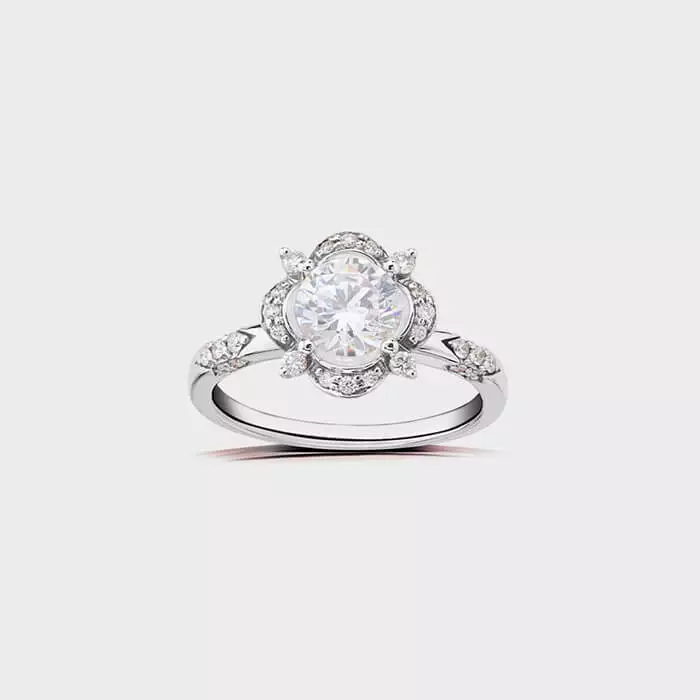
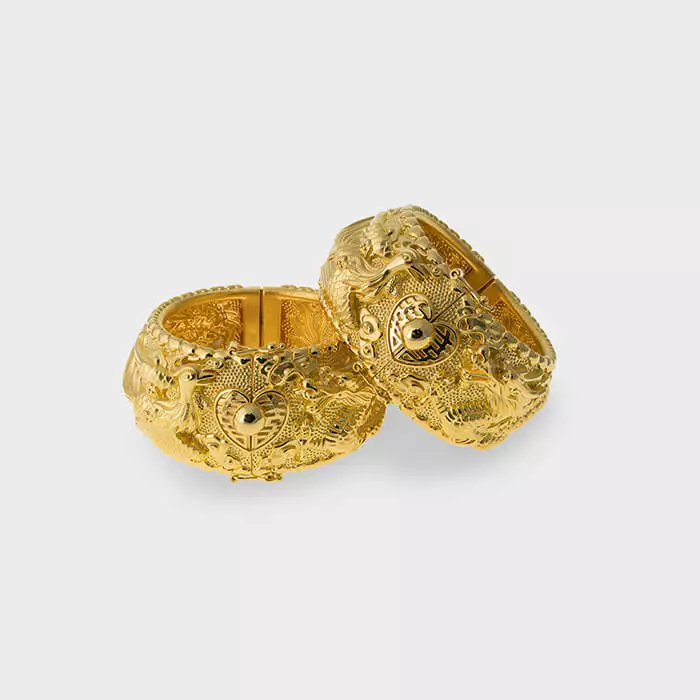
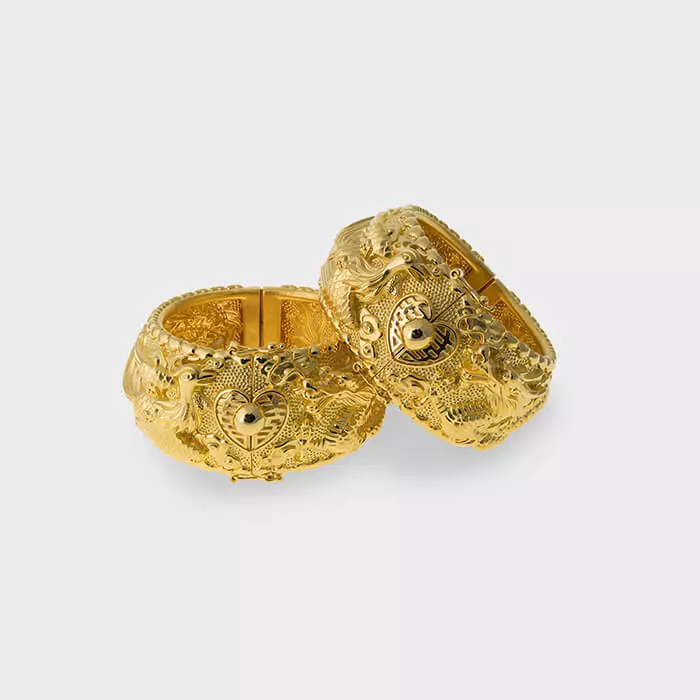
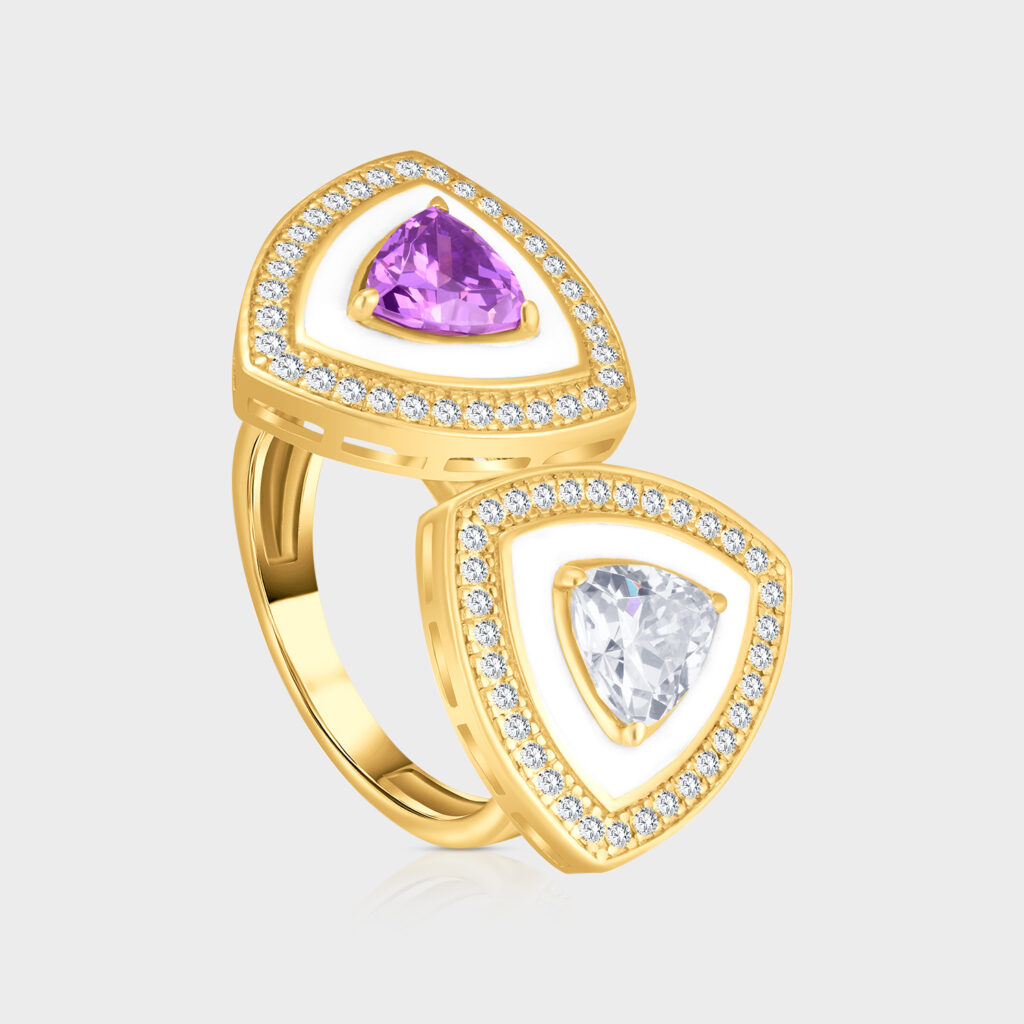
Jewelry Photo Editing
- High-End Retouching
- Color Enhance
- Making Yellow Gold Color
- Silver and Rose Gold Color
Make jewelry sparkle with perfection
Deep Etching Service
-
Symmetrical Neck Joint
- Model and Mannequin Removal
- Wrinkle Remove
- Shaping and Cropping
Detailed work for fashion and models
Car Image Editing
- Background Removal
- Retouching
- Add Shadows
- Color Match
Professional car photo enhancement
Explore Additional
Services

Imperfection Fixing
We fix all flaws in your images. This boosts their quality and appeal.

Advanced Editing
Make every detail stand out with precise edits that transform your visuals.

Color Correction
Adjust and refine your images’ colors. Make them vibrant and natural.

Object Removal
Remove unwanted elements from your photos in a way that results in flawless images.
Portfolio
Sample Work


True Numbers
Proof of Our Expertise
Our numbers show the high quality of our Clipping Path photo work at Clipping Path An Image. We’ve processed over 350,000 images for more than 500 clients. , completed over 1,200 orders, and had many repeat customers.
0
+
Clients On-Boarded
0
+
Orders Completed
0
K+
Images Processed
Work Processes
How It Works?
At Clipping Path Service, we simplify your experience. Our four-step process makes image editing easy to follow:
1
Work Processes: Tell us what you need. We’ll confirm before starting.
2
Upload & Instruct: Use our secure platform to share your images and instructions.
3
Download Images: After editing, download your images quickly.
4
Pay: only when you’re 100% satisfied.
Trustpilot Reviews
Trusted by Leading Brands
Rated 4.5 of 5
Excellent Rated Service
Leading brands trust us for high-quality services. Our expertise and strong customer service impress clients.
Strength
Why Pick Our Clipping Path Services?
High-quality images are key in today’s online market. Our photo-clipping path services enhance your visuals, giving them a professional touch. With years of experience, we ensure 100% accuracy. , makingour images pop. Let us boost your business with our editing solutions.

Error-Free Images
We correct imperfections in your images to enhance their overall quality and appeal.

Precise Edits
Our team perfects every detail to give your visuals a polished look.

Consistency Guaranteed
We ensure uniformity in your images. It’s vital for brands that want a cohesive visual identity.

Professional Results
Trust us to bring out the best in your images with expert attention to detail.
https://www.youtube.com/

Assured Quality
100% human made editing and clipping.

Assured Quality
100% human made editing and clipping.
Together
Let’s Upgrade Your Workflow
Try Our Services for FREE
Experience our professional image editing. Enjoy a FREE trial—edit 50 images at no cost. Discover how our clipping path services can improve your visuals and boost your business. Start now to see the difference.
Take Me to the Next Level
At Clipping Path Image, we aim to simplify things for you. To get our Clipping Path services, follow these four steps.
FAQs: Frequently Asked Questions
A clipping path is a vector shape that helps isolate an object from its background in graphic design. A path around the object makes everything inside visible and hides everything outside. This technique is common in photo editing and design. It creates transparent backgrounds. This makes it easier to place objects on different backgrounds or use them alone.
What is a clipping path service?
A clipping path service is a pro image editing service. It specializes in creating precise paths to isolate objects from their backgrounds. This service is popular in e-commerce, photography, and advertising. It replaces high-quality images with new backgrounds for websites and marketing. These services can process many images quickly. They ensure consistent, accurate results.
How to create a clipping path in Photoshop?
To create a clipping path in Photoshop:
-
Open your image in Photoshop.
-
Choose the Pen Tool (or use the shortcut P).
-
Click to create anchor points, tracing around the object to isolate it, which will form a closed path.
-
Right-click on the path and select “Make Selection” to convert it into a selection.
-
Now you can delete the background or copy the isolated object to a new layer.
-
Save the file in a format that supports paths, such as PSD, if you want to preserve the clipping path.
How do you make a clipping path in Illustrator?
To make a clipping path in Illustrator:
-
Open your document in Illustrator.
-
Use the Pen Tool (shortcut: P) to draw a path around the object you want to isolate.
-
Select both the object and the path you’ve drawn.
-
Right-click and choose Make Clipping Mask, or go to Object > Clipping Mask > Make.
-
The clipping path will hide everything outside it. It will reveal only the object you isolated.
How to make a clipping path in InDesign?
To create a clipping path in InDesign:
-
Go to File > Place to add your image to the document.
-
Select the image, then go to Object > Clipping Path > Options.
-
Select the path type that works best for your image, such as Alpha Channel or Detect Edges.
-
Refine the path by adjusting the settings as needed, then click OK.
-
The clipping path will remove the background from the object in your InDesign layout.
What is a clipping path in Photoshop?
In Photoshop, a clipping path is a vector path used to isolate an object from its background. The Pen Tool creates this path, allowing transparency for placing the object on a new background or editing it separately. A Professional Clipping Path & Photo Editing Service is key for clean, high-quality images, particularly in e-commerce photography and design.
How do you make a clipping path?
To make a clipping path:
-
Choose a vector drawing tool, like the Pen Tool in Photoshop or Illustrator.
-
Carefully trace the object you want to isolate by creating anchor points around it.
-
Complete the path by connecting the last point to the first one.
-
Convert the path into a selection or clipping mask, which will hide areas outside the path.
-
You can now use the isolated object for various design purposes.
Not sure where to start? No worries—we’re here to guide you.
Reach out, and we’ll gladly assist you every step of the way.