Skip to content

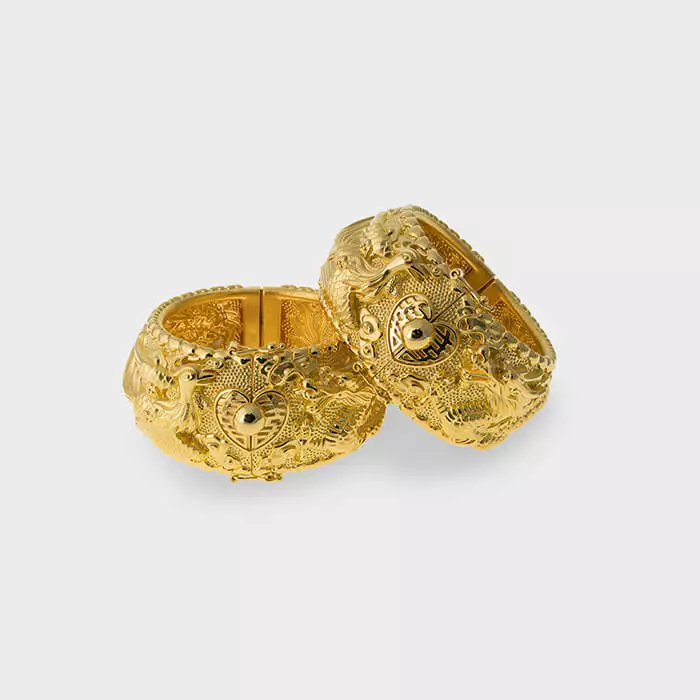
How to Retouch Jewelry in Photoshop

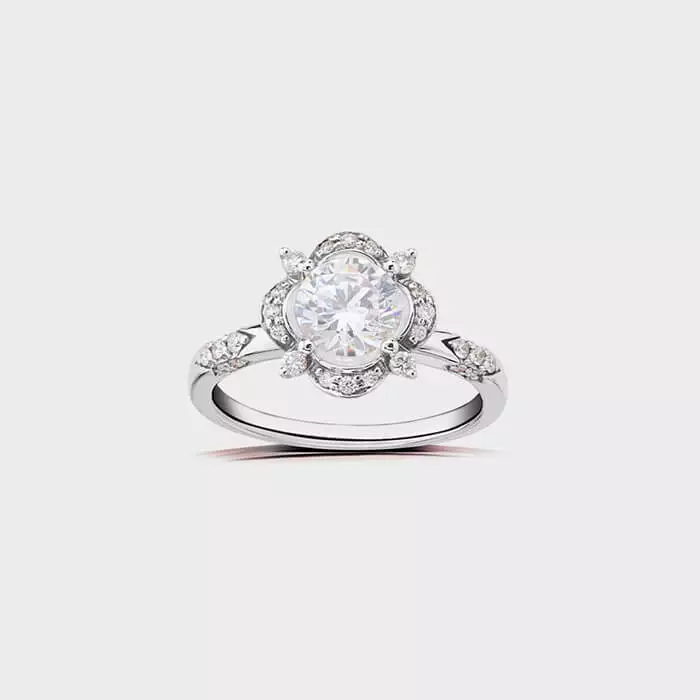
To retouch jewelry in photoshop, follow these steps for a flawless result. First, select the jewelry using the selection tool. Then, enhance the details using the brush tool and adjust brightness and contrast for optimal… 

How to Change Raster to Vector in Illustrator

To change raster to vector in illustrator, follow these steps: open illustrator, import the raster image, select the image, and use the “image trace” function to convert it to a vector format. This process allows… 

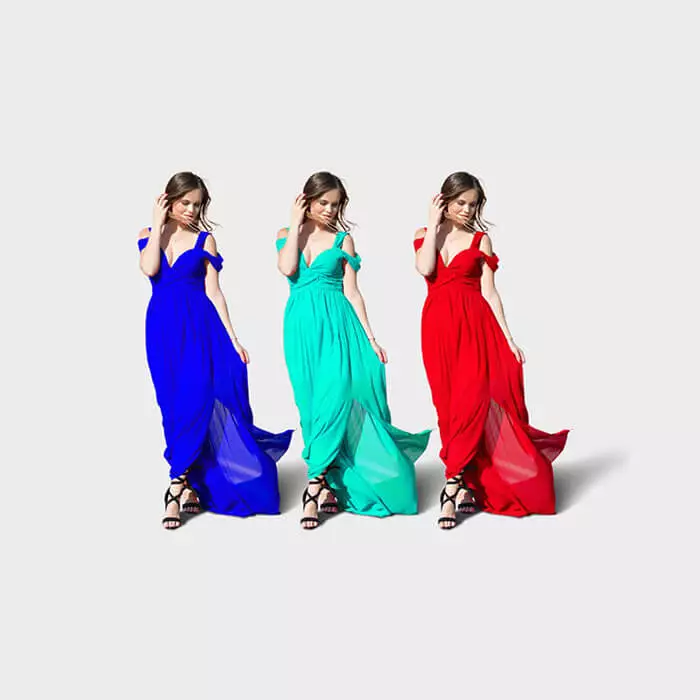
How Much Does Color Correction Cost

Color correction costs vary depending on factors such as the complexity of the project and the level of expertise required by the professional, ranging from $50 to $500. Color correction is an essential process in… 

How to Mask Image in Photoshop

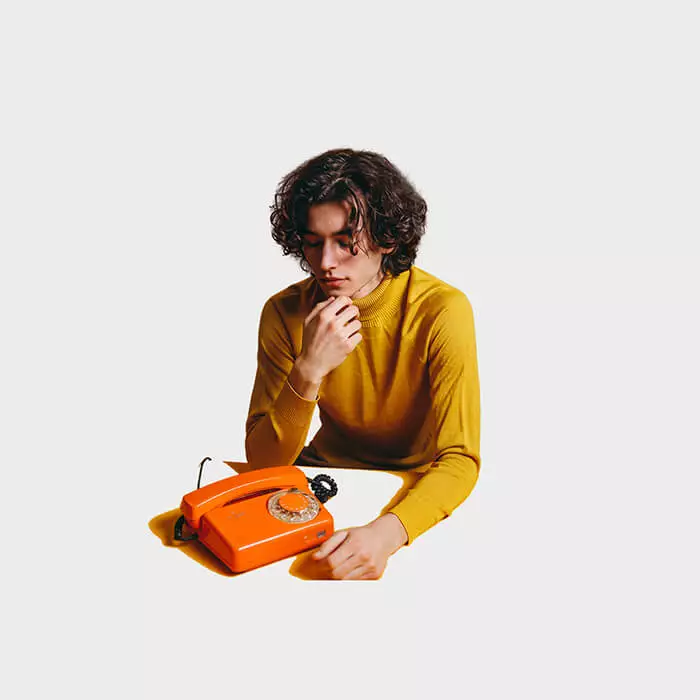
To mask an image in photoshop, use the selection tools to create a mask and hide or reveal specific portions of the image. Creating a mask in photoshop allows for precise editing and manipulation of… 

How to Remove Background on Lightroom

Removing the background in lightroom is quick and easy using the masking tool. By following a few simple steps, you can achieve a clean and professional look for your photos. In this tutorial, we will…